


Checked by antivirus:
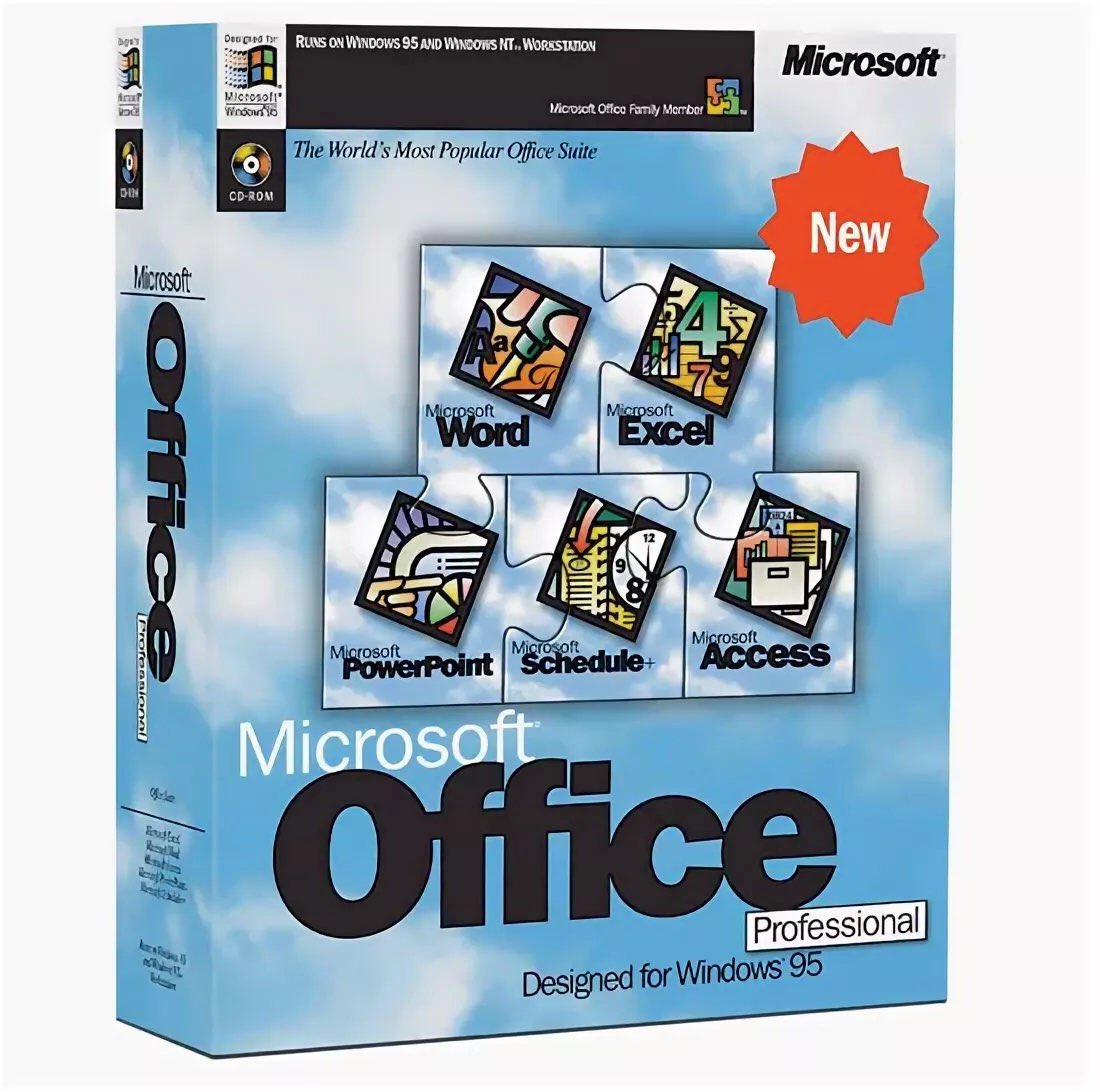
Download Microsoft Office 95 Standard / Professional
The official Microsoft Office 95 installer is the original version of the office suite, released in August 1995. The suite includes core applications for working with documents, spreadsheets, presentations, and databases, providing convenient functionality for both personal use and office tasks.
What you get:
- Original Microsoft Office 95 Standard or Professional installer
- Includes Word, Excel, PowerPoint, Outlook, and Access (Access is available only in the Professional edition)
- Support for English and Russian interface languages
- Installation options and edition differences:
- OFF95STD.INF — Standard edition
- OFF95PRO.INF — Professional edition
- The Standard edition differs from Pro in that it does not include Access
Key benefits of Microsoft Office 95 Standard / Professional
- Complete office suite: Comprehensive set of applications for working with text, spreadsheets, presentations, and databases (in the Pro edition).
- Compatibility: Support for document formats from previous Office versions.
- Ease of use: Classic interface with toolbars and menus familiar to Windows 95 users.
- Email and communication: Outlook integration for email and contacts in the Professional edition.
Who is it suitable for?
Suitable for all users who need reliable tools for working with documents, spreadsheets, presentations, and databases, including personal projects, study, and office tasks.
Why the original version?
Using the original installer ensures stable operation, compatibility with other Microsoft products, and access to all current Office updates.
Upgrade to a newer version:
If you need a more modern version of Microsoft Office, you can explore available Office versions for purchase and download the appropriate version from the catalog.